Wedding expenses, all in one shared place.
Who paid what, and who owes whom, made clear.
Keep every vendor, instalment and payment in one shared record, and ask AI what is due.
Type in plain English or Hinglish.
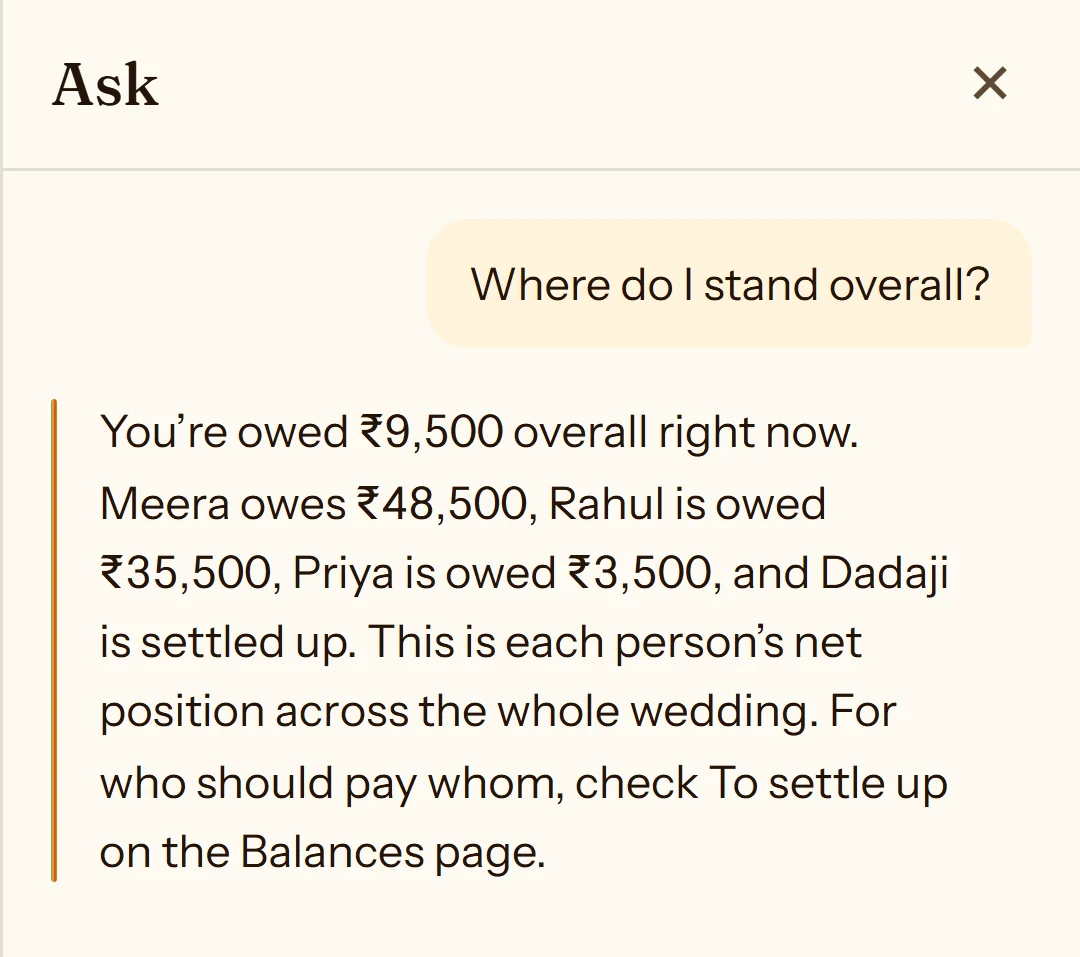
Where do I stand overall?
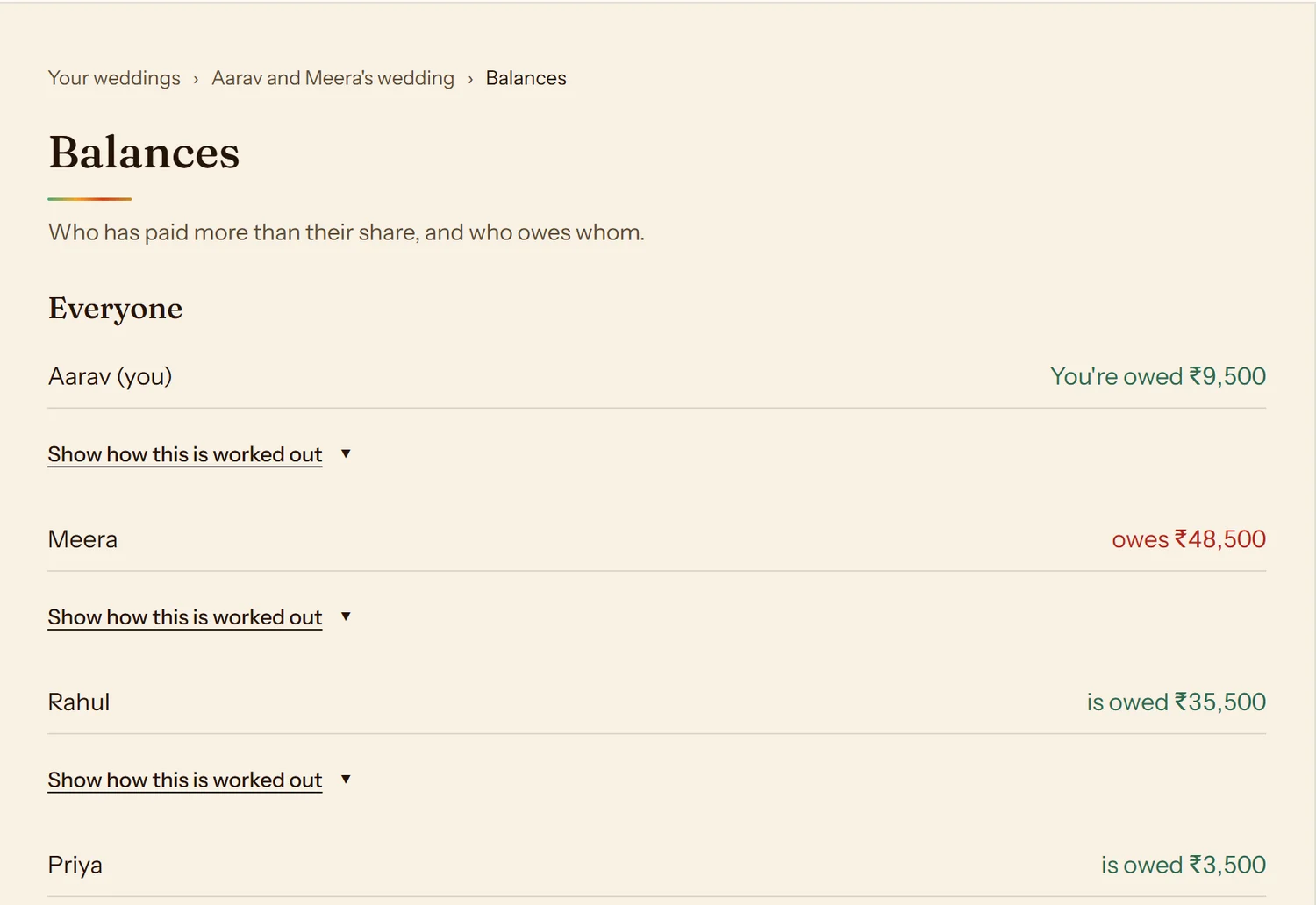
You’re owed ₹9,500 overall right now. Meera owes ₹48,500, Rahul is owed ₹35,500, Priya is owed ₹3,500, and Dadaji is settled up.
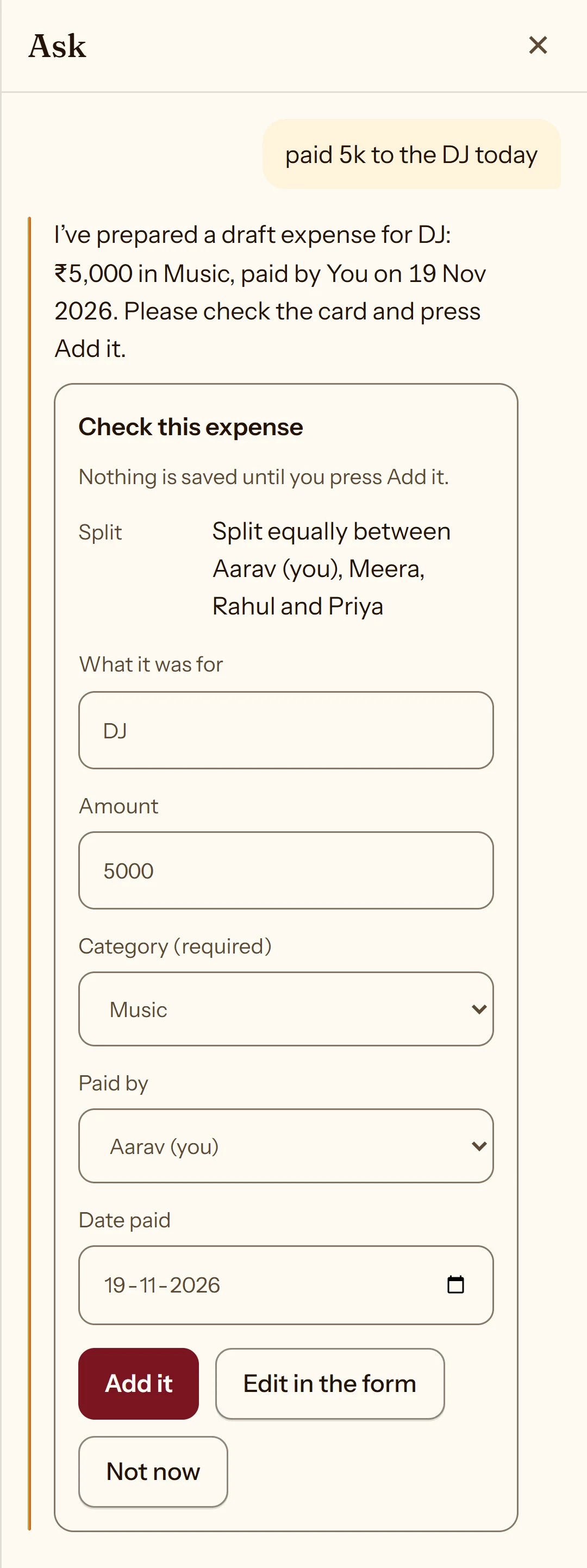
Type in plain English or Hinglish, like “paid 5k to the DJ today”, and Ask AI prepares a draft for you to review.
Paid 5k to the DJ today.
Check this expense
Nothing is saved until you press Add it.
- Amount
- ₹5,000
- Category
- Music
- Paid by
- You
- Date
- Today
Planning weddings for clients? See how planners use Hisaab
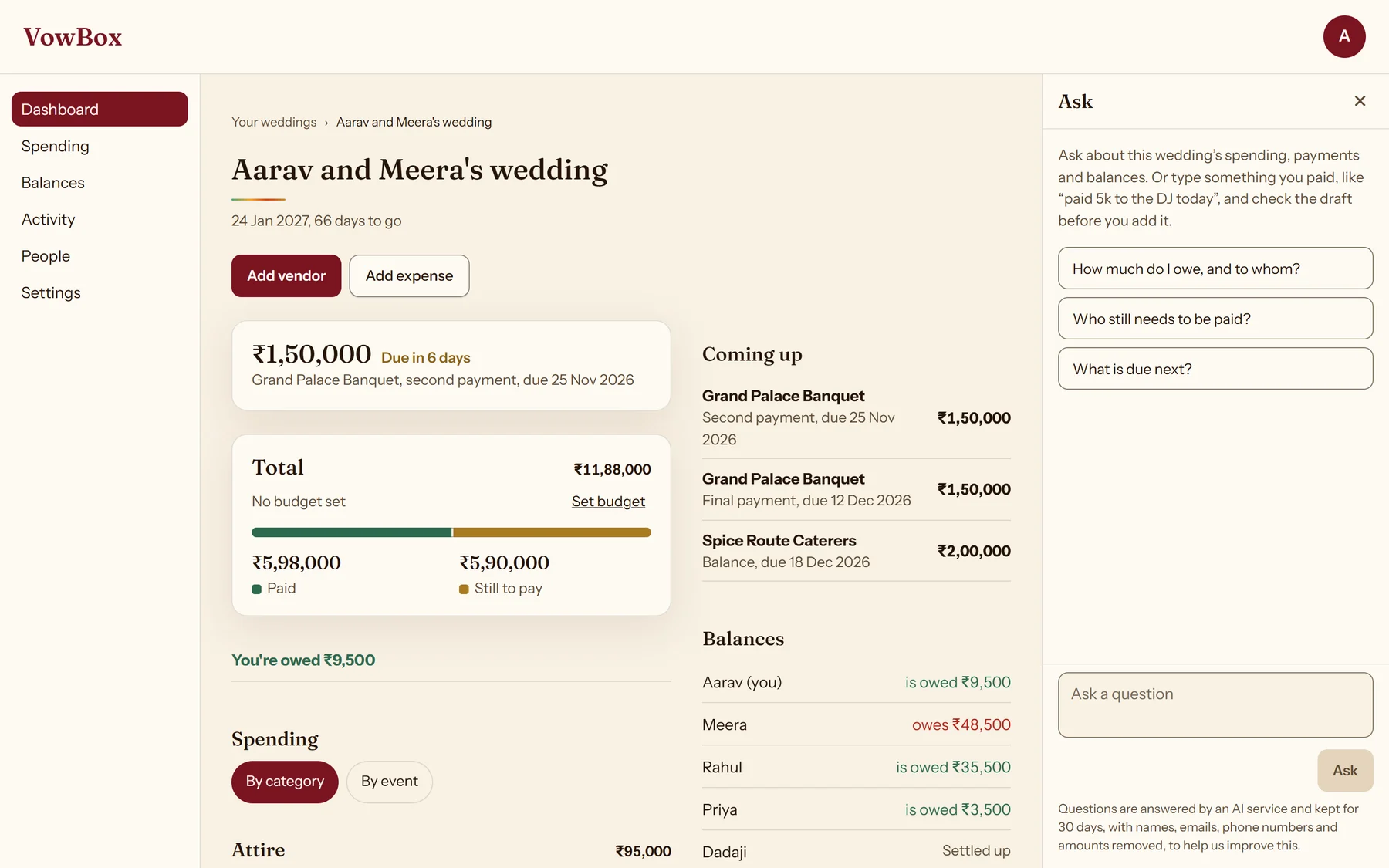
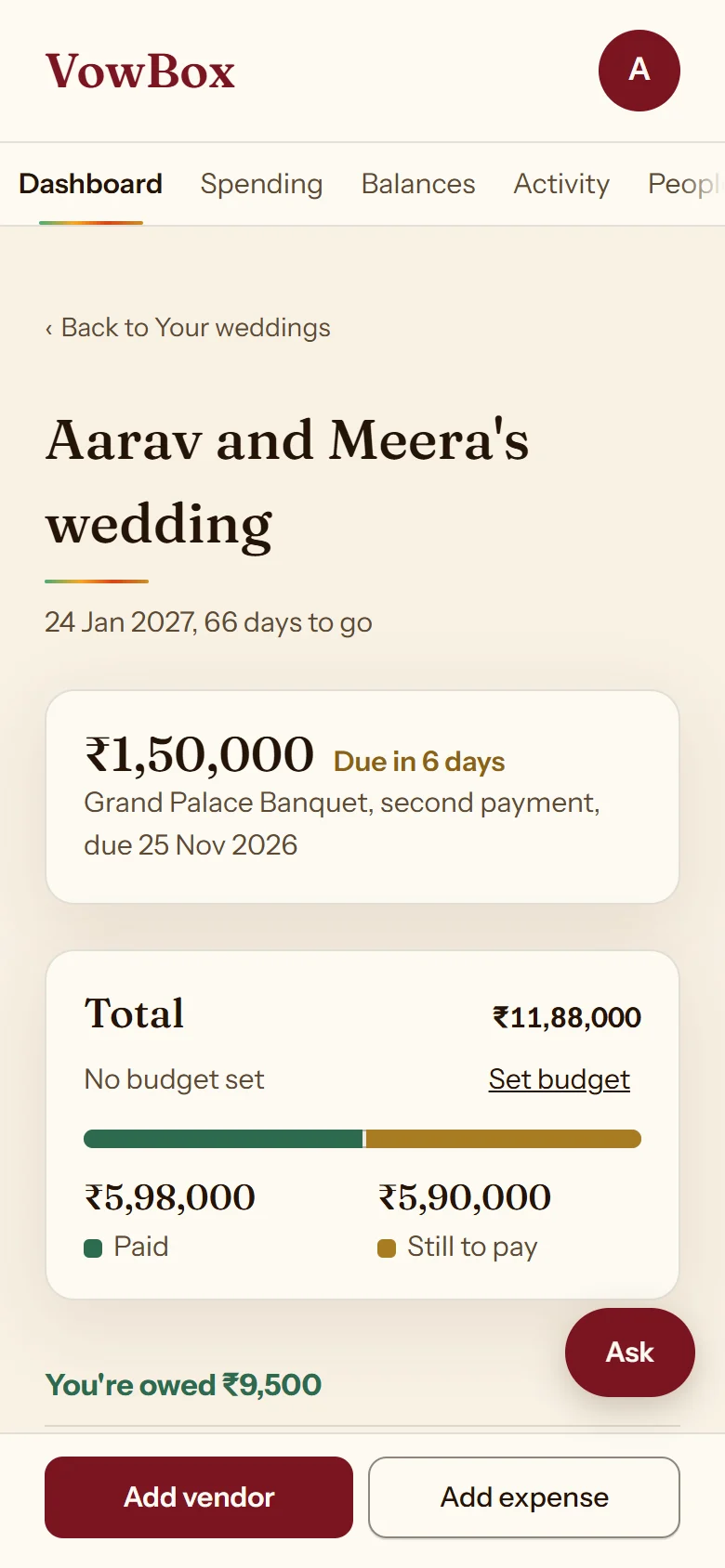
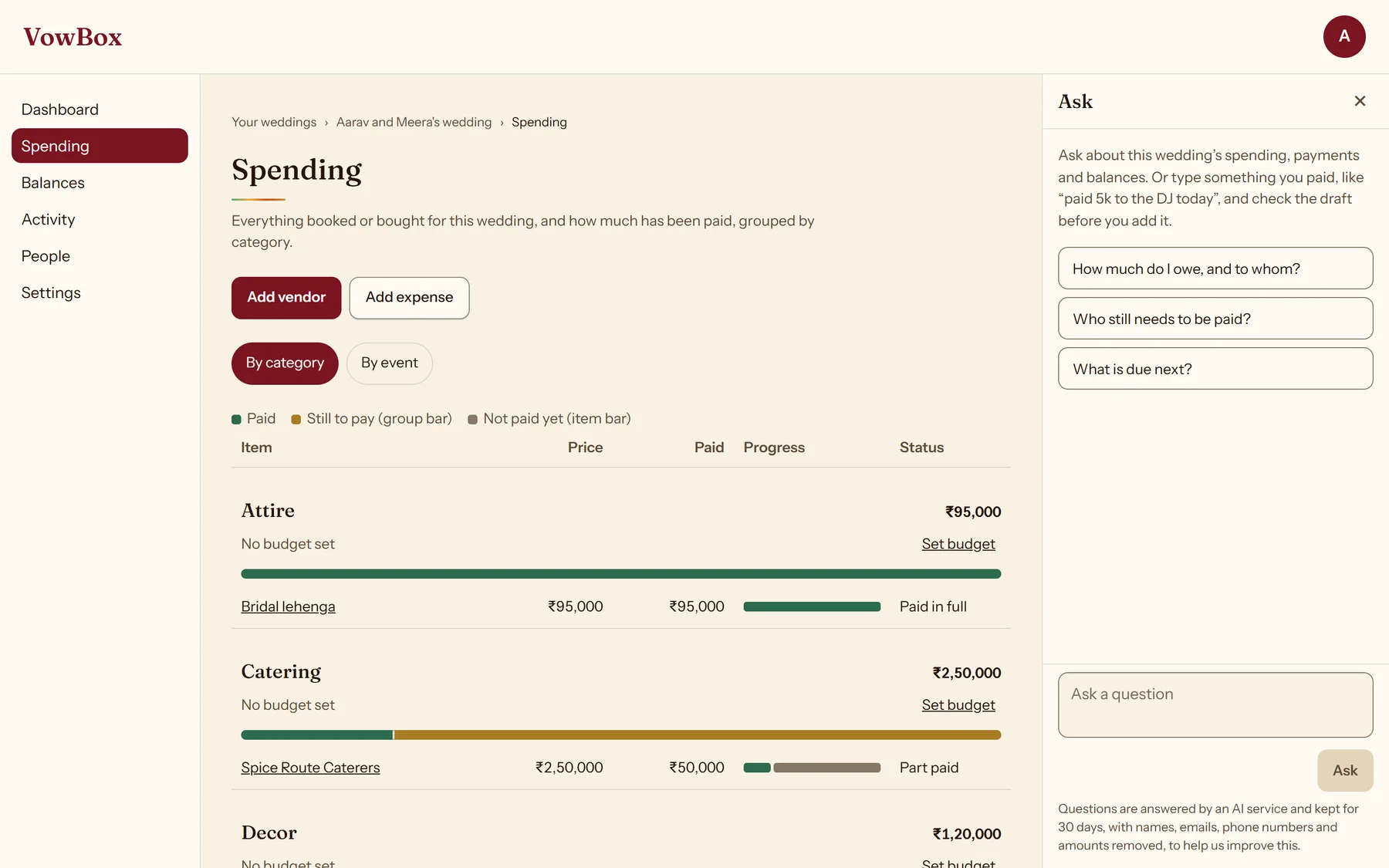
Screens show a sample wedding with sample data.
Everything a shared wedding budget needs.
Track
Record vendors, their instalments and every payment, and see what is paid and what is still due.
Split
Divide each cost equally, by percentage, by shares or by exact amounts, the way your family agreed.
Settle up
See running balances and a clear plan for who pays whom, with the working shown.
Meet Ask AI.
Ask a question about your wedding expenses, or simply describe what you paid. Ask AI helps you make sense of the records and prepare expenses for you to review.
- Where do I stand overall?
- What is due next?
- Paid 5k to the DJ today.
- Every figure comes from your wedding’s own records. Ask AI does not do the maths.
- A draft is only a draft: nothing is saved until you press Add it.
- Conversations are stored for 30 days, with names, emails, phone numbers and amounts masked in the stored copy, and are not used to train a model.
Sample wedding with sample data. Ask AI answered these questions live.
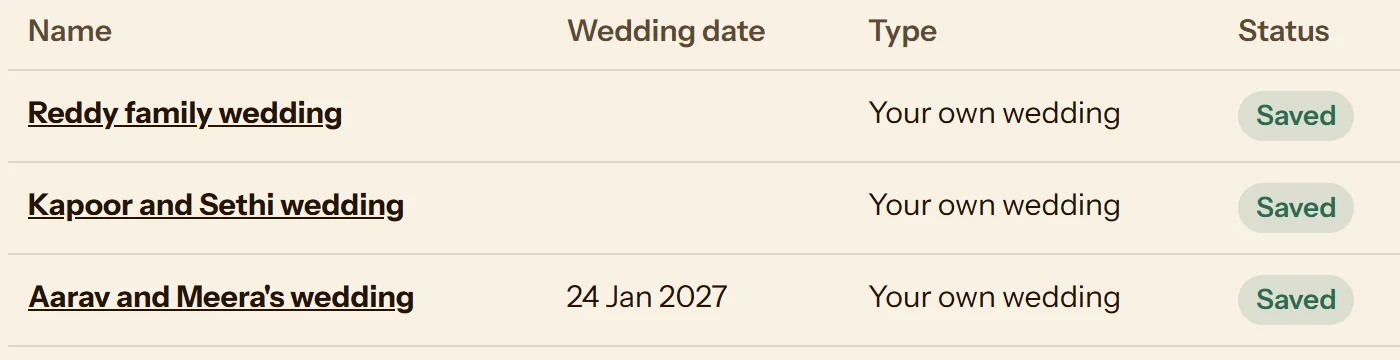
Planning weddings for clients?
Keep each client’s wedding in its own shared record, all from one sign-in.
- One sign-in, every wedding you run
- Vendors, instalments and payments for each
- Costs split between the people paying
- Add a client or co-planner as owner, member or viewer
Questions, answered plainly.
How do I sign in?
With a code sent to your email. There is no password to remember.
Can several family members manage wedding expenses?
Yes. Add people to a wedding in Hisaab as an owner, a member or a viewer. They accept the invitation when they sign in, and everyone then works from the same numbers.
Can wedding planners manage multiple client weddings?
Hisaab lets one sign-in hold several weddings, each with its own shared record of vendors, instalments, payments and balances. You can add a client or co-planner to a wedding with the access you choose.
Does Ask AI add expenses or calculate balances by itself?
No. Ask AI can prepare a draft expense from what you type, but nothing is saved until you press Add it. It does not do the maths: every figure comes from Hisaab's own records, and amounts it states are checked against them before they are shown.
How does Ask AI handle conversations and personal information?
Conversations are stored for 30 days, with names, email addresses, phone numbers and amounts masked in the stored copy. They are not used to train a model.
Do I need VowBox Invitations to use Hisaab?
No. Hisaab and Invitations are independent products. Use either one on its own, or both.